All Lab work

Browser utility · From the archives

Photo Palette

An image-sampling tool with draggable controls and copy-ready color values.

An in-browser color palette utility that turns a photo into a copy-ready CSS palette. Upload any image from your computer, then copy the extracted colors as CSS custom properties, hex list, RGB list, or HSL list.

Photo Palette Utility

Upload a photo, drag markers to sample exact points, and copy palette values in CSS-ready formats. Generated palettes preview on this utility. Copy the values to use them in your own work.
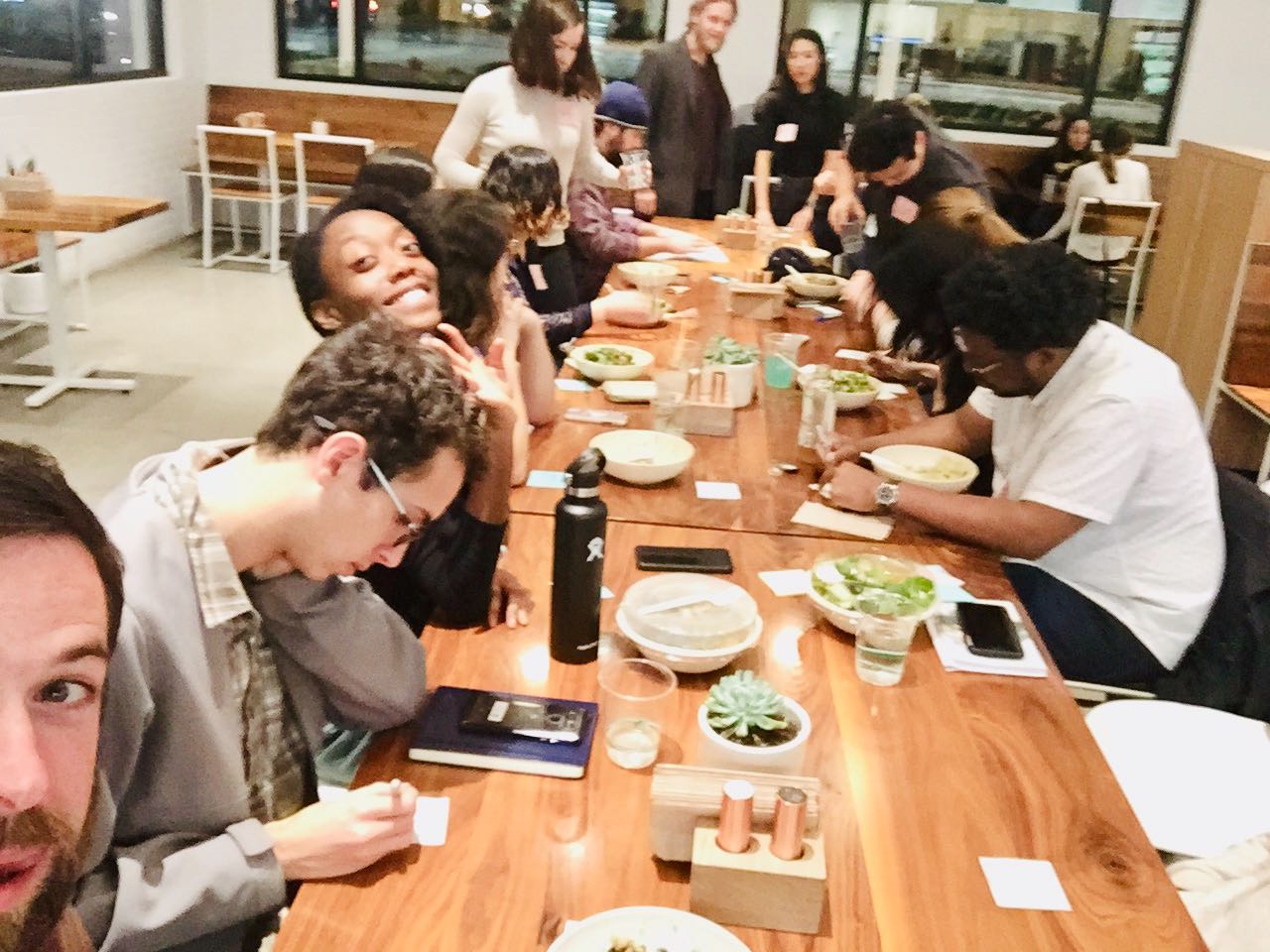
Current image: Default image

Selected source for palette extraction

Theme Variable Mapping

This shows the live CSS variables generated from your current marker positions and where they are used.

--color-bg

#ffffff

utility background and canvas

--color-text

#111111

default text, headings, and paragraph content

--color-surface

#ffffff

inputs, selects, and button surfaces

--color-surface-strong

#f6f8fb

cards, content blocks, and featured surfaces

--color-border

#dddddd

card outlines, table borders, and control borders

--color-muted

#666666

meta labels, low-emphasis helper text

--color-link

#111111

link color and linked text accents

--color-focus

#0a66d6

focus rings for keyboard navigation

--color-skip-bg

#111111

skip-link background

--color-skip-text

#ffffff

skip-link text color

--palette-1

#4B83C0

palette slot 1 used to derive the utility preview theme

--palette-2

#6CA6DF

palette slot 2 used to derive the utility preview theme

--palette-3

#A5C7EA

palette slot 3 used to derive the utility preview theme

--palette-4

#C9D7E5

palette slot 4 used to derive the utility preview theme

--palette-5

#778899

palette slot 5 used to derive the utility preview theme

--palette-6

#4F5E6C

palette slot 6 used to derive the utility preview theme

--palette-7

#2F3944

palette slot 7 used to derive the utility preview theme

--palette-8

#1B232D

palette slot 8 used to derive the utility preview theme